
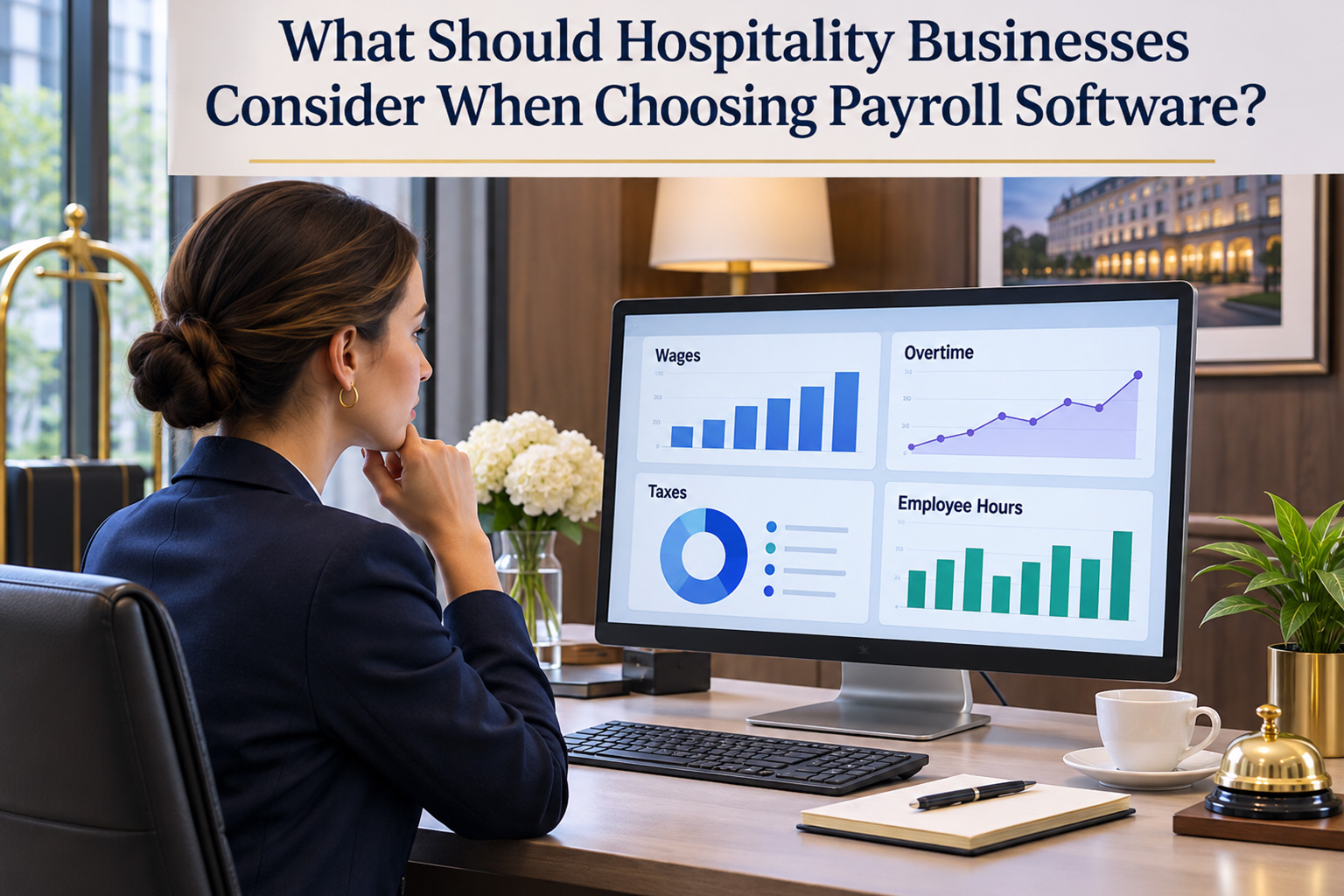
What Should Hospitality Businesses Consider When Choosing Payroll Software?
Date Released
18 November, 2026
Running payroll for a hotel or restaurant is rarely a simple forty-hour-week exercise. Staff work split shifts, swap schedules at the last minute, earn tips, pick up overtime on busy weekends, and move between hourly and salaried roles. Each variable creates room for error, and payroll mistakes quickly lead to unhappy employees, tax notices, and wage disputes.
That is why choosing the right hospitality payroll software matters. This guide explains what to look for in hospitality payroll software, the challenges that make this industry unique, and how to verify a provider before you commit.
Why Hospitality Businesses Need the Right Payroll Software
Hospitality combines nearly every payroll complication in one workplace. A single hotel may employ salaried managers, hourly front-desk agents, housekeepers, banquet servers who receive tips, and seasonal part-timers. A restaurant adds tipped servers, bartenders, line cooks, and delivery staff across several shifts each day.
Spreadsheets and manual calculations can work at first, but they break down as headcount grows. Strong hospitality payroll management gives you consistent calculations, organized records, and a repeatable process every pay period, so owners and managers spend less time correcting checks and more time running the business.
What to Look for in Hospitality Payroll Software
Focus on how well the software supports the way your team is actually paid. These are the core areas to review:
- Accurate calculations: gross-to-net pay, withholdings, and employer taxes.
- Hourly and salaried support: both pay types in the same payroll run.
- Overtime handling: overtime rates applied to the hours you enter.
- Tip reporting: a clear way to record and report tips for tax purposes.
- Employee records: organized pay history and tax forms in one place.
- Payroll reports: labor cost and tax summaries you can review.
- Ease of use: simple enough for a manager to run without special training.
- Transparent pricing: clear base fees, per-employee charges, and add-on costs.
No single feature matters in isolation. The best hospitality payroll software is the one that fits your staffing model, your state's rules, and your budget, and that you can verify before signing up.
Common Hospitality Payroll Challenges
Shift-Based Pay
Split shifts, double shifts, and schedule swaps mean hours change every week. Payroll must reflect actual hours worked, so clean time data matters as much as the software itself.
Tipped Employees
Federal and state rules govern tipped wages. Federal law allows employers to take a tip credit toward minimum wage for eligible tipped employees, but many states require higher cash wages or restrict the tip credit. Tips must also be recorded and reported for payroll tax purposes.
Overtime
The Fair Labor Standards Act (FLSA) generally requires overtime pay at one and a half times the regular rate for nonexempt employees after 40 hours in a workweek. Some states add daily overtime or other requirements, so confirm which rules apply where you operate.
Seasonal Staffing
Resorts, event venues, and seasonal restaurants hire and release workers quickly. Onboarding, tax forms, and final paychecks all need to be handled on time, every time.
Multiple Locations
Operators with several properties may face different state taxes, pay rates, and reporting needs. Confirm how a provider handles multiple locations before relying on it.
How to Choose the Best Hospitality Payroll Software
A search for the best hospitality payroll software can produce a long list of vendors, and “best” depends on your situation. Use this checklist to narrow the field:
| What to verify | Why it Matters |
| Included services |
Plans differ on tax filing, W-2 and 1099 forms, and direct deposit. |
| Tip Handling | Ask how tips are entered, reported, and included in payroll. |
| Compliance Support | Know what the provider handles and what remains your responsibility. |
| Staff and Locations | Confirm setup for mixed pay types and multiple locations. |
| Pricing and Support | Compare monthly fees, per-employee charges, add-ons, and help access. |
Request a demo, get written answers about anything you plan to rely on, and consult an accountant or employment attorney about state-specific wage rules. Software supports compliance, but it does not replace your responsibility to follow applicable laws.
PayProNext for Hospitality Businesses
PayProNext is a payroll solution serving U.S. businesses across all 50 states, with two plans for different needs. Basic Payroll starts at $7 per month and supports payroll calculations and paycheck preparation; it does not include direct deposit. Complete Payroll starts at $15 per month plus $1.50 per employee per payroll and adds services such as tax filing support and W-2 and 1099 processing. Direct deposit is available as an add-on.
For small and midsize hotels, restaurants, and hospitality operators, this structure offers clear pricing for core payroll tasks. PayProNext is a general payroll solution rather than a hospitality-specific platform, so confirm how your tips, overtime hours, and location setup would be handled before you decide. A demo is the best place to ask those questions directly.
Frequently Asked Questions
What is the best payroll software for hospitality businesses?
There is no single best option for everyone. The best hospitality payroll software accurately calculates pay for hourly and salaried staff, supports tip and overtime reporting, keeps organized records, and fits your budget. Compare providers against those criteria and request a demo. PayProNext is worth considering if you want straightforward payroll with clear pricing.
What features should hotel payroll software include?
Hotel payroll software should include accurate wage and tax calculations, support for hourly and salaried employees, overtime handling, tip reporting, employee records, payroll reports, and year-end tax forms. Direct deposit and tax filing support are also valuable. Review each plan to see exactly what is included.
How does payroll software handle tipped employees?
Payroll software typically lets you record tips so they are included in wages and tax calculations. Rules vary: federal law allows a tip credit under certain conditions, while states differ on cash wages and tip pooling. Ask any provider exactly how tips are entered and reported, and confirm requirements with the Department of Labor or your state agency.
Can hospitality payroll software manage hourly and salaried staff?
Yes, most payroll software can pay both. Hourly employees are paid for hours worked, while salaried employees receive a set amount each pay period. Classify roles carefully, because a salary does not automatically make an employee exempt from overtime under the FLSA.
How do hotels manage overtime and shift-based payroll?
Hotels track actual hours worked each workweek, then apply the overtime rules that cover them: federal overtime after 40 hours, plus daily thresholds in some states. Payroll software calculates pay from the hours and rates you enter, so accurate timekeeping is essential. Scheduling or time-clock data may need to come from a separate source.
Can payroll software handle multiple business locations?
Many payroll providers support more than one location, but capabilities differ. Multiple locations can mean different state taxes and wage rules. Ask how each provider organizes locations, and verify what PayProNext supports for your setup rather than assuming it.
How can payroll software reduce payroll errors in restaurants and hotels?
Software reduces errors by automating calculations, applying consistent tax withholdings, storing employee data in one place, and producing reports you can review before paying staff. It cannot correct bad inputs, so review hours, rates, and tips before every payroll run.
Conclusion: Choose Payroll Software That Fits Your Operation
Choosing payroll software for a hotel or restaurant comes down to fit: your pay types, tip practices, overtime exposure, and number of locations. Start with the features that matter most, verify every claim, and compare pricing carefully.
If you want a clear, straightforward option, explore PayProNext at www.paypronext.com. Review the Basic Payroll and Complete Payroll plans, then request a demo to see whether they fit your hospitality business.