Payroll Software With Tax Filing: What Should Be Included?
Date Released
23 September, 2026
A plain-English guide to what "tax filing included" actually covers, and what to verify before you rely on it.
A small-business owner scanning payroll ads sees "tax filing included" and assumes the hard part is done: federal deposits, state filings, W-2s, and 1099s, all handled automatically. That assumption tends to surface at the worst possible time: quarter-end, year-end, or when a notice shows up from a state agency nobody registered with.
Here's the reality: payroll software with tax filing can mean very different things depending on the provider and the plan. Some products calculate payroll taxes but leave the actual filing to you. Others file federal forms and stop at the state line. Before you choose payroll software with tax filing, or trust the one you already have, it helps to know exactly which jobs your plan covers.
What Should
Payroll Software Include?
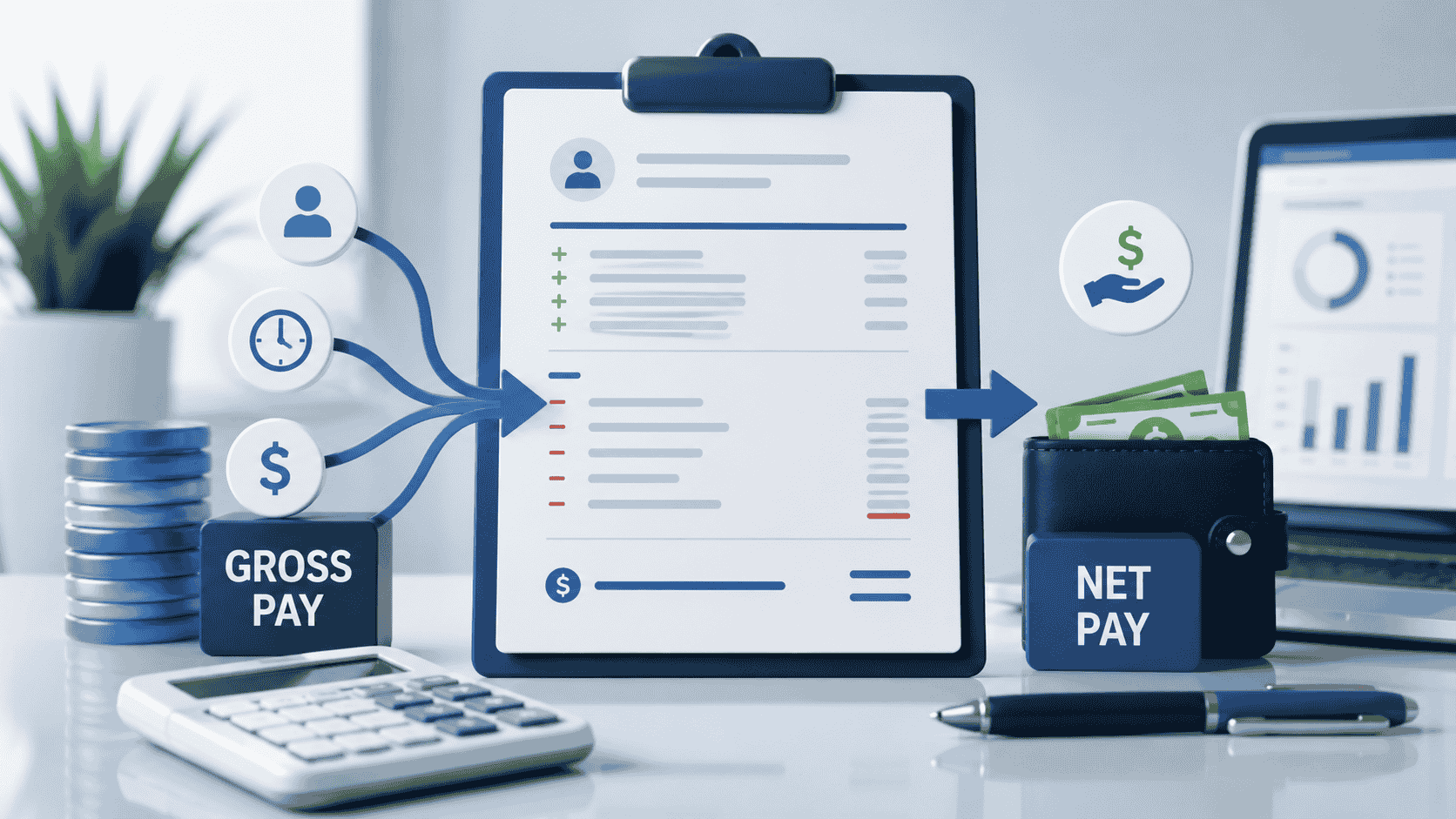
At a baseline, payroll software with tax filing should handle the calculations that make payroll accurate in the first place: gross wages, deductions, withholding, and net pay for every employee, plus contractor payments where the platform supports 1099 workers.
At a baseline, payroll software with tax filing should handle the calculations that make payroll accurate in the first place: gross wages, deductions, withholding, and net pay for every employee, plus contractor payments where the platform supports 1099 workers.
Not every provider offers all of this, and not every plan from the same provider does either. A lower-tier plan might calculate and run payroll while leaving filing to the business owner. A higher tier might add federal filing but charge extra for state coverage. That's why it's worth checking the specifics rather than assuming "tax filing" means everything is handled.
Payroll Tax Filing vs. Payroll Tax Payment: What's the Difference?
This distinction trips up a lot of business owners, so it's worth spelling out plainly.
Filing means submitting the required tax return or form to the IRS, the state, or both- the paperwork that reports what was owed and paid.
Payment (or deposit) means actually sending the money owed to that tax authority, on its required schedule.
Picture a small employer with four employees. The software calculates withholding correctly and generates a completed Form 941 each quarter. If the provider only files that form but doesn't submit the deposit, the employer still has to move the money on a deposit schedule that may be more frequent than quarterly. Missing that step creates penalties even though the paperwork was technically filed.
This is exactly why business owners comparing payroll software that files and pays taxes should ask the provider directly: does the plan file the return, submit the payment, or both? A provider offering filing without payment isn't doing anything wrong; it's just a narrower service, and it's on the employer to know which one they bought.
What
Payroll Taxes Should Software Handle?
Federal payroll tax obligations are fairly consistent across employers and usually include federal income tax withholding, Social Security and Medicare taxes (split between employer and employee), the employer's matching FICA contribution, and Federal Unemployment Tax (FUTA) where it applies.
State and local obligations vary a lot more. Depending on where the business operates, payroll software may also need to handle state income-tax withholding, state unemployment insurance, local payroll taxes in cities or counties that impose them, and other jurisdiction-specific employer requirements. No single platform automatically supports every state and locality at every plan level, so this is a point worth confirming rather than assuming.
Does
Payroll Software File Form 941?
Form 941, the Employer's Quarterly Federal Tax Return, is how most employers report federal income tax withheld along with Social Security and Medicare taxes each quarter. It reconciles what was owed for the quarter against what was already deposited, and it's filed four times a year for most businesses with employees on payroll.
Some payroll software prepares and files Form 941 automatically as part of a full-service plan. Others generate the form for the employer to review and file separately. If a provider advertises tax filing, it's reasonable to ask specifically whether Form 941 is included in the base plan, and whether the software files it electronically on the employer's behalf or simply produces the numbers.
Does
Payroll Software Handle State Payroll Taxes?
State payroll compliance is often more complicated than federal compliance, because every state sets its own rules. Depending on the state, payroll software may need to manage state income-tax withholding, state unemployment insurance contributions, state-specific filing schedules, employer registration with the state's tax and labor agencies, and, in some cases, local tax withholding on top of state requirements.
Multi-state employers face an extra layer. Consider a business with two employees working from different states: each state may require separate registration, its own withholding calculations, and its own filing deadlines. A payroll platform that files federal returns without issue may only support a handful of states for full tax filing, so multi-state employers should confirm exactly which states are covered before assuming coverage is universal.
Does
Payroll Software File W-2s and 1099s?
W-2s
Form W-2 reports annual wages and tax withholding for each employee and is due to both the employee and the Social Security Administration by January 31 each year. Payroll software that handles year-end reporting will typically generate and, in fuller plans, file W-2 and W-3 forms directly with the SSA.
1099s
Contractor reporting works differently. Businesses that pay independent contractors generally issue Form 1099-NEC rather than a W-2, and that form is also due by January 31. Not every payroll plan that handles employee W-2s automatically covers 1099 contractor filing; some treat it as a separate feature or an add-on, so it's worth checking both boxes independently rather than assuming one implies the other.
What Should
You Look for in Full-Service Payroll Software?
Use a plan's own feature list against a simple checklist before you rely on it for tax season:
|
Feature |
What It Should Do |
What to Verify |
|
Payroll calculation |
Calculates wages, deductions, and taxes for each pay run |
Included in every plan or gated to a higher tier |
|
Federal tax filing |
Prepares and files required federal payroll returns |
Which specific forms are covered |
|
Tax payments |
Sends required federal and state deposits on the employer's behalf |
Who actually submits the payment, and on what schedule |
|
State filing |
Handles applicable state payroll tax returns |
Which states and jurisdictions are supported |
|
Year-end forms |
Supports W-2 and 1099 preparation and filing |
Included, or billed as an add-on |
|
Multi-state payroll |
Supports employees working in more than one state |
Registration help and filing scope per state |
|
Tax notices |
Helps interpret and respond to payroll tax notices |
Whether this is included or a separate service |
|
Reporting |
Provides payroll and tax records for recordkeeping |
Export formats and how long records stay accessible |
Full-Service
Payroll Software vs. Basic Payroll Software
Basic payroll software tends to focus on the mechanics of running payroll: calculating wages and deductions, processing pay runs, generating reports, and keeping employee records organized. Whether it files or pays any taxes depends entirely on the specific product.
Full-service payroll typically layers additional tax-related work on top of those basics, federal tax filing, tax payments or deposits, state filings, year-end forms, ongoing tax-rate updates, and some level of compliance support. But "full-service" describes a service model, not a guarantee that every possible payroll tax obligation, in every state, is automatically covered. Two providers can both call themselves full-service while covering a different combination of forms and states.
Who Is
Responsible If Payroll Taxes Are Filed Incorrectly?
This is where a lot of business owners assume too much, so it's worth being precise.
The employer generally remains responsible for its payroll tax obligations, even when it uses a payroll provider, although contractual arrangements and provider errors can affect what happens next. Responsibility in a specific situation can depend on the employer's underlying legal obligations, what the provider's contract actually says it will handle, whether the employer supplied accurate wage and employee information, whether the provider actually submitted the filing or payment it agreed to submit, and the specific tax authority and circumstances involved.
This isn't legal advice, and it isn't a reason to assume the worst about any provider, it's a reason to keep good records. Hang onto payroll records, filing confirmations, payment confirmations, any tax notices received, and the provider's own reports. If a mistake happens, those records are what sort out where the breakdown occurred.
Is
Full-Service Payroll Worth It for a Small Business?
There's no universal answer, but the calculation usually comes down to workload, complexity, and risk rather than price alone.
Full-service payroll tends to earn its cost when an owner wants to hand off manual tax work, when payroll has grown more frequent or complicated, when the business has employees in more than one state, when year-end W-2 and 1099 preparation is eating up real time, or when the owner wants payroll and tax filing managed in one place instead of juggling separate systems.
Full-service payroll tends to earn its cost when an owner wants to hand off manual tax work, when payroll has grown more frequent or complicated, when the business has employees in more than one state, when year-end W-2 and 1099 preparation is eating up real time, or when the owner wants payroll and tax filing managed in one place instead of juggling separate systems.
What
PayProNext Includes
PayProNext offers two plans, and the tax-filing scope differs meaningfully between them, so it's worth reading the fine print rather than assuming "tax filing" means the same thing at both tiers.
The Basic plan, at $7 per month, is built around the core mechanics of payroll: wage and deduction calculations, payroll runs, direct deposit, an employee self-service portal, and payroll reporting. Tax calculation support is included, but employer-level federal and state tax filing sits outside this tier.
The Complete (Full Service) plan, at $15 per month, builds on the Basic feature set and adds federal payroll tax filing, W-2 preparation, and broader tax compliance support. As with any full-service plan, employers should confirm which specific states are covered and whether per-employee or per-payroll charges apply on top of the base monthly fee, since flat pricing on a payroll platform doesn't always mean every add-on is bundled in.
Whichever plan fits a given business, the same rule from earlier in this article applies: verify what's included for the specific plan in use, rather than assuming a payroll platform's tax-filing marketing applies uniformly across every tier.
|
Quick Check Before You Sign Up Ask any payroll provider, PayProNext included, three questions: Which forms does this plan file? Does it also submit the payment? Which states are covered? Getting clear answers up front avoids surprises at quarter-end. |
The Bottom
Line
"Payroll software with tax filing" isn't a single, standardized feature; it's a range of possible service levels. Some plans calculate taxes and stop there. Others file federal forms but not state ones. Others handle filing, payment, and year-end reporting across multiple states. None of that is a red flag; it's simply how the market is structured.
The employer's job is to ask specifically what a plan covers, calculation, filing, payment, and which jurisdictions, before assuming the phrase "tax filing included" means every obligation is handled.
|
See What's Actually Included, Plan by Plan If you're comparing payroll software with tax filing, it's worth looking at exactly which forms, states, and payments a plan covers before you commit. PayProNext lays out what's included at each tier so you can match the plan to how your payroll actually works. |
Frequently
Asked Questions
What should payroll software include?
At minimum, payroll software should calculate wages, deductions, and withholding accurately for each pay run. Beyond that, fuller plans may add tax calculation, tax filing, tax payments, direct deposit, year-end forms, and multi-state support, but which of these are included depends entirely on the provider and plan, so it's worth checking rather than assuming.
Does payroll software file
payroll taxes?
Some payroll software does, but not all of it, and not at every plan level. Basic plans often calculate taxes without filing the associated federal or state returns, while full-service plans typically add filing. Always confirm which specific forms a plan files before relying on it.
Does payroll software pay
payroll taxes?
Filing and paying are separate functions, and a plan that files a return doesn't automatically submit the tax payment or deposit. Full-service payroll plans more commonly handle both, but employers should verify who actually sends the money and on what schedule.
What payroll taxes should
software handle?
Federal obligations generally include income tax withholding, Social Security, Medicare, and FUTA where applicable. State and local obligations vary by location and may include state income-tax withholding, state unemployment insurance, and local payroll taxes, so coverage should be confirmed for each jurisdiction where the business has employees.
Does payroll software file Form
941?
Some plans prepare and file Form 941, the Employer's Quarterly Federal Tax Return, automatically each quarter; others generate the figures and leave filing to the employer. Since this form is central to federal payroll compliance, it's worth confirming directly whether a specific plan files it.
Does payroll software handle
state payroll taxes?
Many platforms handle state payroll taxes, but coverage varies by state and by plan. Businesses with employees in more than one state should confirm which states a provider actually supports for filing, registration, and deposits before assuming full coverage.
Does payroll software file W-2s?
Many full-service payroll plans generate and file W-2 and W-3 forms with the Social Security Administration ahead of the January 31 deadline. Basic plans may generate W-2 data for the employer to file separately, so this is worth confirming per plan.
Does payroll software handle
1099s?
Some payroll software handles 1099-NEC filing for contractors, but this is often a separate feature from W-2 handling rather than an automatic inclusion. Businesses that pay both employees and contractors should confirm both types of year-end filing are covered.
Who is responsible if payroll taxes are filed incorrectly?
The employer generally remains responsible for its payroll tax obligations even when using a payroll provider, though contractual terms and provider errors can affect what happens next. Keeping payroll records, filing confirmations, and provider reports helps clarify responsibility if an error occurs.
Is full-service payroll worth it for a small business?
It depends on workload and complexity rather than price alone. Full-service payroll tends to pay off for businesses with multi-state employees, growing payroll complexity, or limited time for tax administration, while simpler, single-state businesses may manage fine with basic software and separate filing support.