Manual Payroll vs. Payroll Software: A Complete Comparison
Date Released
05 August, 2026
If you run a business in the United States, you already know that payroll processing is one of those tasks that never really goes away. Every pay period, the same questions come back: Did I calculate the hours correctly? Are the tax withholdings right? Did I file on time? For many owners, the real debate comes down to one choice: manual payroll vs. payroll software.
This guide breaks down both approaches from a business owner's point of view, so you can decide what actually fits your team, your budget, and your peace of mind.
What Is Manual Payroll?
Manual payroll is the do-it-yourself method. You track hours, calculate gross and net pay, subtract federal and state taxes, and handle every payroll tax filing yourself, usually in spreadsheets or on paper. It gives you full control and costs almost nothing in software fees, which is why so many small businesses start here. The catch is that all the responsibility for payroll accuracy and payroll compliance sits squarely on your shoulders.
What Is Payroll Software?
Payroll software is a tool that automates the heavy lifting. Instead of building formulas by hand, you enter employee details once, and the system handles pay calculations, deductions, and payroll reporting for you. Modern cloud payroll platforms go a step further; they run your employee payroll from any device, keep tax tables current, and store your records securely online. In short, payroll automation turns a stressful multi-hour task into a quick, repeatable payroll workflow.
Manual Payroll vs. Payroll Software: The Key Differences
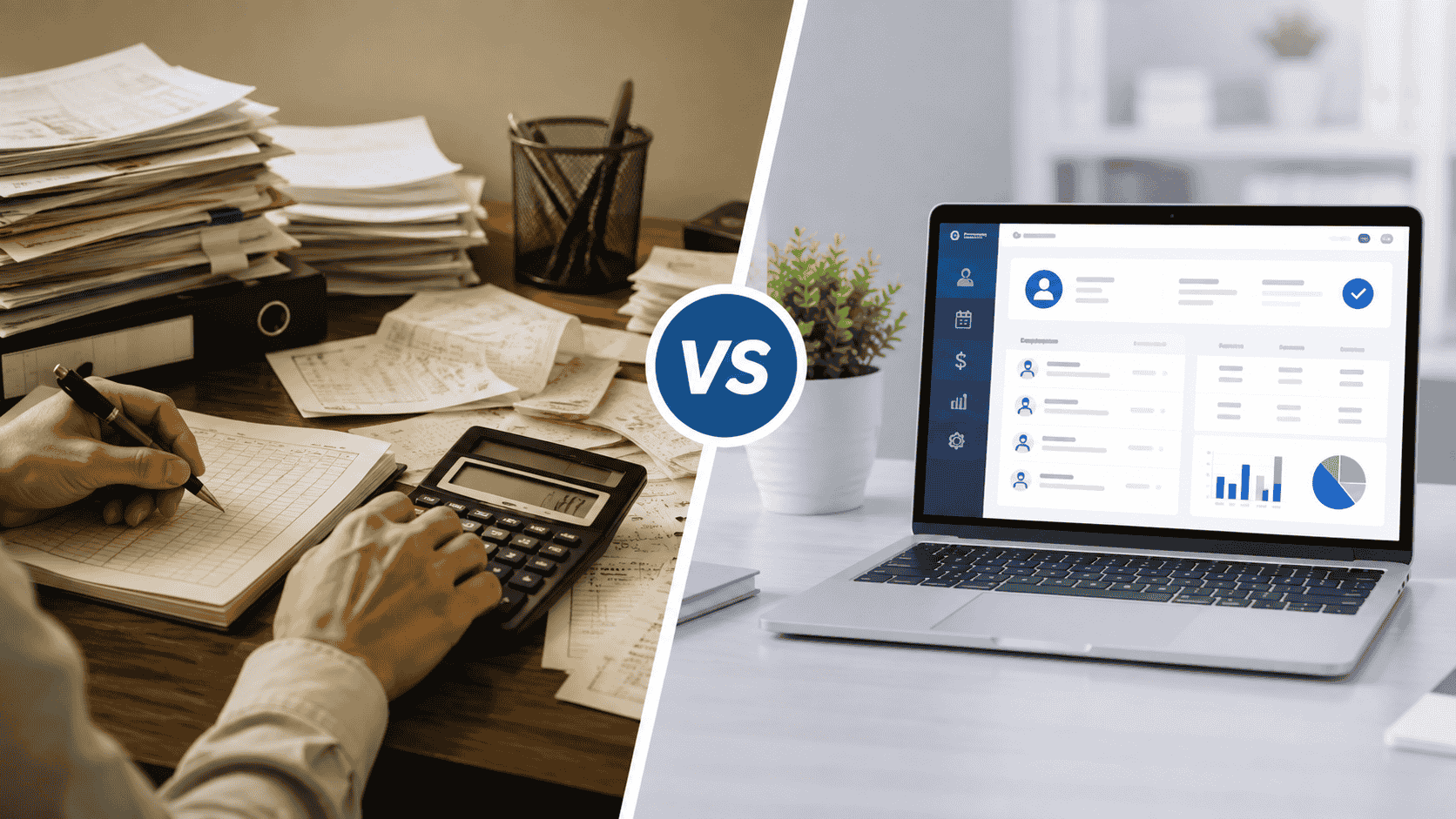
The fastest way to compare the two is side by side. Here's how manual methods stack up against automated payroll across the factors most owners care about:
| Factor |
Manual Payroll |
Payroll Software |
| Processing time |
Hours of spreadsheets each cycle |
Minutes with automated payroll runs |
| Payroll accuracy |
Prone to human error |
Built-in checks reduce payroll errors |
| Payroll tax filing |
You track and file manually |
Automated payroll tax filing |
| Payroll compliance |
You monitor every rule change |
Updates handled for you |
| Payroll reporting |
Built by hand |
One-click payroll reporting |
| Scalability |
Harder as you hire |
Grows with your team |
| Cost |
Low software cost, high time cost |
Predictable monthly fee |
What Are the Disadvantages of Manual Payroll?
Manual payroll works fine with one or two employees, but the cracks show as you grow. The most common drawbacks business owners run into are:
- Time drain: Every pay cycle eats hours you could spend on customers or growth.
- Costly mistakes: A single miscalculation can trigger underpayments, overpayments, or an IRS penalty.
- Compliance risk: Tax rates and labor rules change often, and missing an update can be expensive.
- No easy records: Pulling clean payroll reporting for a loan, audit, or tax season means digging through files.
- Hard to scale: What's manageable for 3 people becomes overwhelming at 15.
How Does Payroll Software Save Time?
The biggest reason owners switch is time. With payroll automation, the calculations that used to take an afternoon happen in a few clicks. Hours flow in, taxes are applied automatically, and paydays can be scheduled to run on their own. Because the same payroll workflow repeats every cycle, you're no longer rebuilding spreadsheets from scratch; you review, approve, and move on. Many teams report cutting payroll time from hours to just minutes each period.
Can Payroll Software Reduce Payroll Errors?
Yes, and this is often the deciding factor. Manual entry invites typos, missed deductions, and math slips. Good payroll software applies the correct tax rates automatically, flags inconsistencies before you approve a run, and keeps a clear audit trail. The result is stronger payroll accuracy and far fewer of the surprises that lead to correction runs or unhappy employees.
How Much Does Payroll Software Cost?
Pricing usually follows a simple model: a small monthly base fee plus a per-employee rate. For most U.S. small businesses, that lands in an affordable range that's easy to budget for. When you weigh it against the hours saved and the penalties avoided, payroll software typically pays for itself. The smarter question isn't just the sticker price; it's the total cost of doing payroll, including your own time and the risk of costly errors.
When Should Businesses Switch to Payroll Software?
There's no single magic number, but these signs usually mean it's time to move on from manual methods:
- You're spending several hours on payroll every cycle.
- You've already made or nearly made a costly payroll error.
- You're hiring and your team is getting harder to track.
- Tax filing and compliance updates feel overwhelming.
- You want clean payroll reporting on demand, not once a year in a scramble.
If two or more of these sound familiar, the move to automated payroll is likely overdue.
What Is the Best Payroll Solution for Small Businesses?
The best solution is the one that removes the busywork without adding complexity, and that's exactly what PayProNext is built for. Designed specifically for U.S. businesses, PayProNext brings your entire payroll processing into one clean, cloud-based dashboard so you can run payroll from anywhere.
- Automated payroll runs that finish in minutes, not hours.
- Built-in payroll tax filing so federal and state obligations stay on track.
- Always-current compliance that adjusts as U.S. tax rules change.
- One-click payroll reporting for taxes, audits, and lending in seconds.
- Secure cloud payroll you can access from any device, any time.
Whether you're leaving spreadsheets behind for the first time or upgrading from a clunky tool, PayProNext gives you the accuracy of payroll automation with the simplicity a small business actually needs.
| Ready to stop wrestling with manual payroll? Switch to PayProNext and run accurate, compliant payroll in minutes. Start today. |
Frequently Asked Questions
Is manual payroll better than payroll software?
For a business with one or two employees and very simple pay, manual payroll can work. But as you add people, payroll software wins on speed, accuracy, and compliance, which is why most growing U.S. businesses make the switch.
What are the disadvantages of manual payroll?
The main downsides are the time it consumes, the risk of calculation errors, the burden of staying compliant with changing tax rules, and how difficult it becomes to scale as you hire.
How does payroll software save time?
It automates calculations, tax withholdings, and pay runs, turning a task that once took hours into a few minutes each cycle by reusing the same payroll workflow every time.
Can payroll software reduce payroll errors?
Yes. By applying correct tax rates automatically and flagging issues before you approve a run, payroll software dramatically improves payroll accuracy compared with manual entry.
How much does payroll software cost?
Most platforms charge a modest monthly base fee plus a per-employee rate, keeping it affordable for small businesses and often cheaper than the time and penalties manual payroll can cost.
When should businesses switch to payroll software?
When payroll starts taking too long, errors creep in, your team is growing, or compliance feels overwhelming, it's time to move to automated payroll.
What is the best payroll solution for small businesses?
PayProNext is built for U.S. small businesses, combining automated payroll, tax filing, compliance updates, and cloud access in one easy dashboard.